The best tools to find your next YouTube topic as a coach, consultant or expert are OutlierKit for proof that a topic already broke out, vidIQ for keyword scores and AI ideas, and 1of10 for studying packaging. YouTube's Research tab and Google Trends add free demand and timing checks.
Expert channels have a different problem from entertainment channels. You do not need the most views. You need the right viewers: people who could become clients. So a good topic has to do two jobs. It must pull views, and it must sit close to the work you sell.
Quick comparison
| Tool | Best for | Free option | Paid from |
|---|---|---|---|
| OutlierKit | Topics that beat a channel's typical views | 30-credit, 3-day trial, no card | $49/mo |
| vidIQ | Keyword scores and AI ideas | Free plan, 150 AI credits a month | $19/mo |
| 1of10 | Studying titles and thumbnails | Free plan, 60 credits a month | $19/mo |
| TubeBuddy | Keyword research and topic planning | See site | See site |
| YouTube Research tab | What your audience searches for | Free | Free |
| Google Trends | Timing and seasonality | Free | Free |
| Keyword Tool for YouTube | Turning one topic into many phrases | Free suggestions, no account | $88/mo |
The 7 tools
1. OutlierKit: best for proof that a topic works
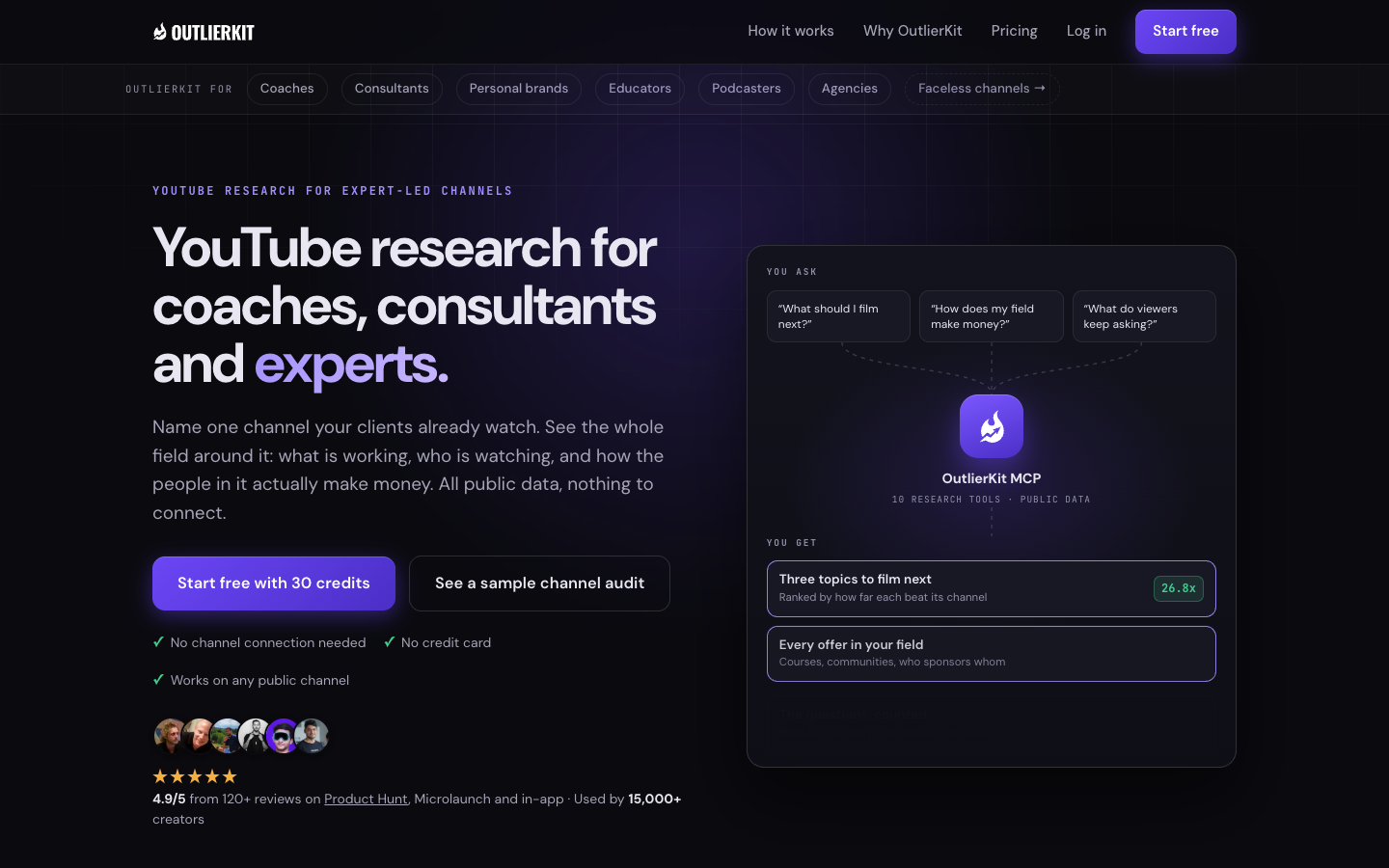
OutlierKit is YouTube research built for experts, consultants and coaches, and for the agencies that run their channels. It finds videos that beat their own channel's typical views and ranks them by an outlier score. A small channel's breakout shows up next to a big channel's, so you can see what works at your size. It also covers keyword research and channel analysis. Competitor Studio maps a whole field of competitors, and an MCP connector brings the research into Claude. Before you record, its packaging and script tools write titles and review your script.
Best for: Experts who want evidence before they commit a filming day.
Watch out for: It is a research tool. It does not edit video, it has no retention data, and it is not an ad library. Credits limit how much you can run each month.
Price: Hobby $49/mo, Pro $99/mo, Max $399/mo. Competitor Studio and MCP need Pro or Max.
2. vidIQ: best for keyword scores and AI ideas
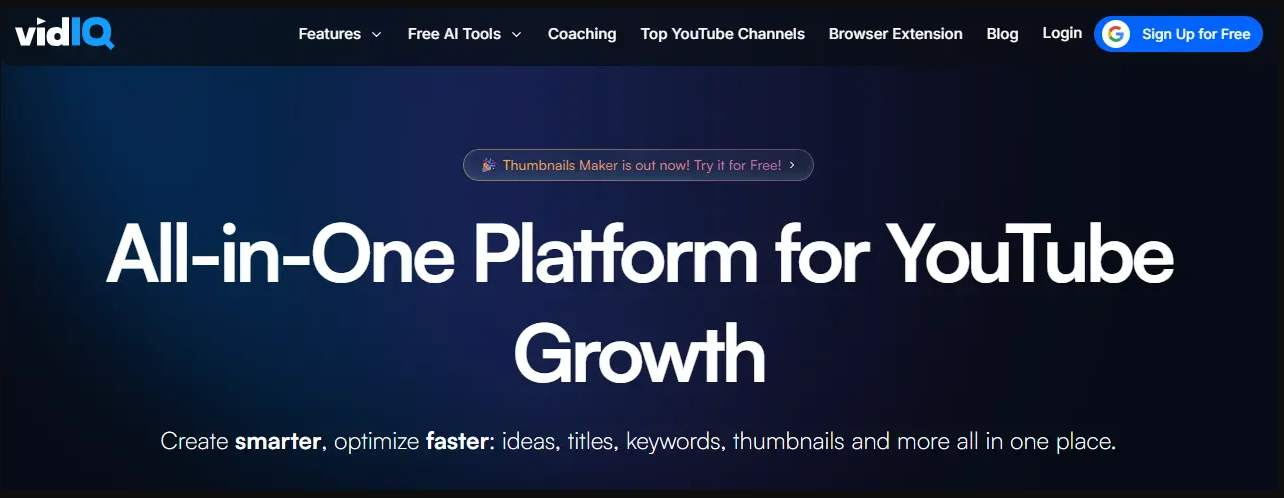
vidIQ is a broad creator suite. It suggests data-backed content ideas, shows niche trends and offers an AI Coach for growth advice.
Best for: Solo experts who want keyword data and daily prompts in one place.
Watch out for: AI features draw from a monthly credit pool, so heavy use can run it down. General growth prompts also need a filter: check each idea against what you sell.
Price: Free plan. Boost $19/mo or $199/yr. Max $49/mo or $468/yr.
3. 1of10: best for studying packaging
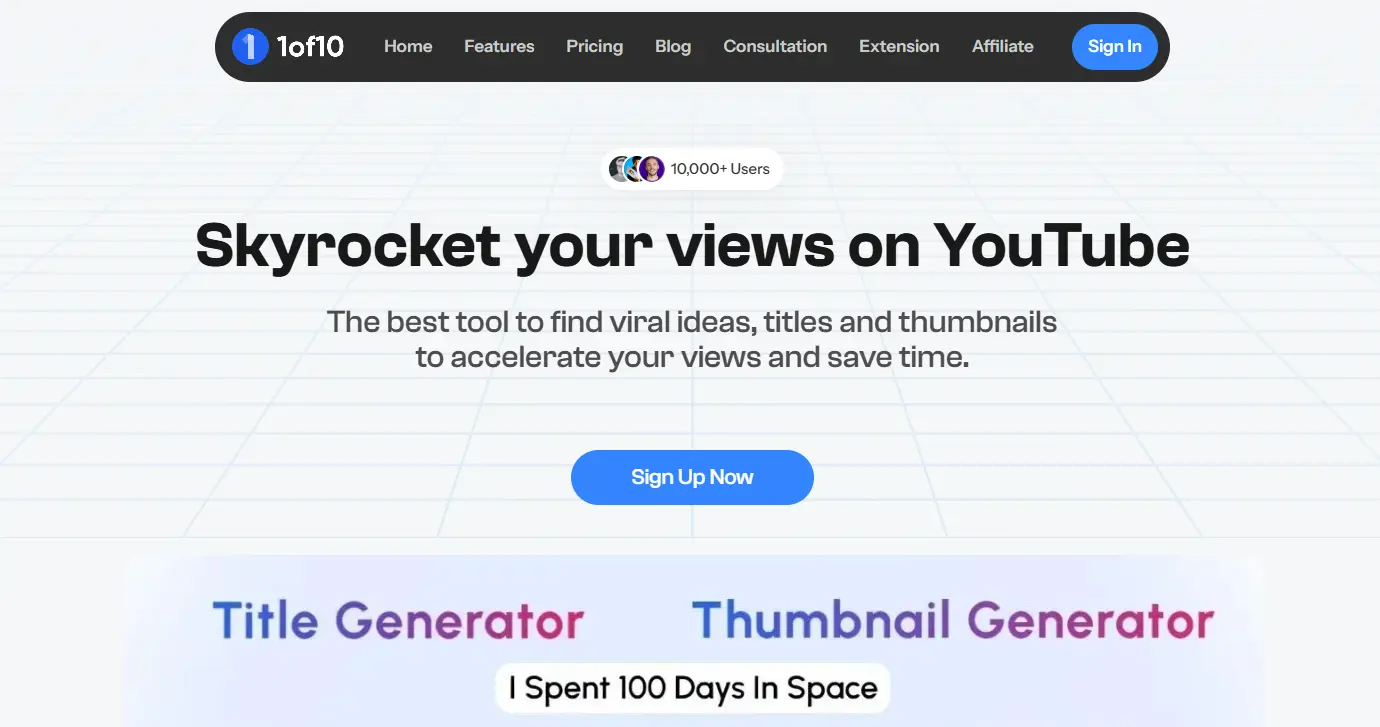
1of10 centers on outlier videos, thumbnails and titles. You research what worked, then use its AI tools to draft thumbnails, titles and ideas. Research tools do not use credits.
Best for: Experts with a solid topic who need a stronger title and thumbnail.
Watch out for: The free plan caps outlier research at 5 results. On Basic, credits cover about 7 thumbnail generations a month.
Price: Free plan. Basic $19/mo or $180/yr. Pro $89/mo or $828/yr. 7-day money-back guarantee.
4. TubeBuddy: best for keyword research and topic planning
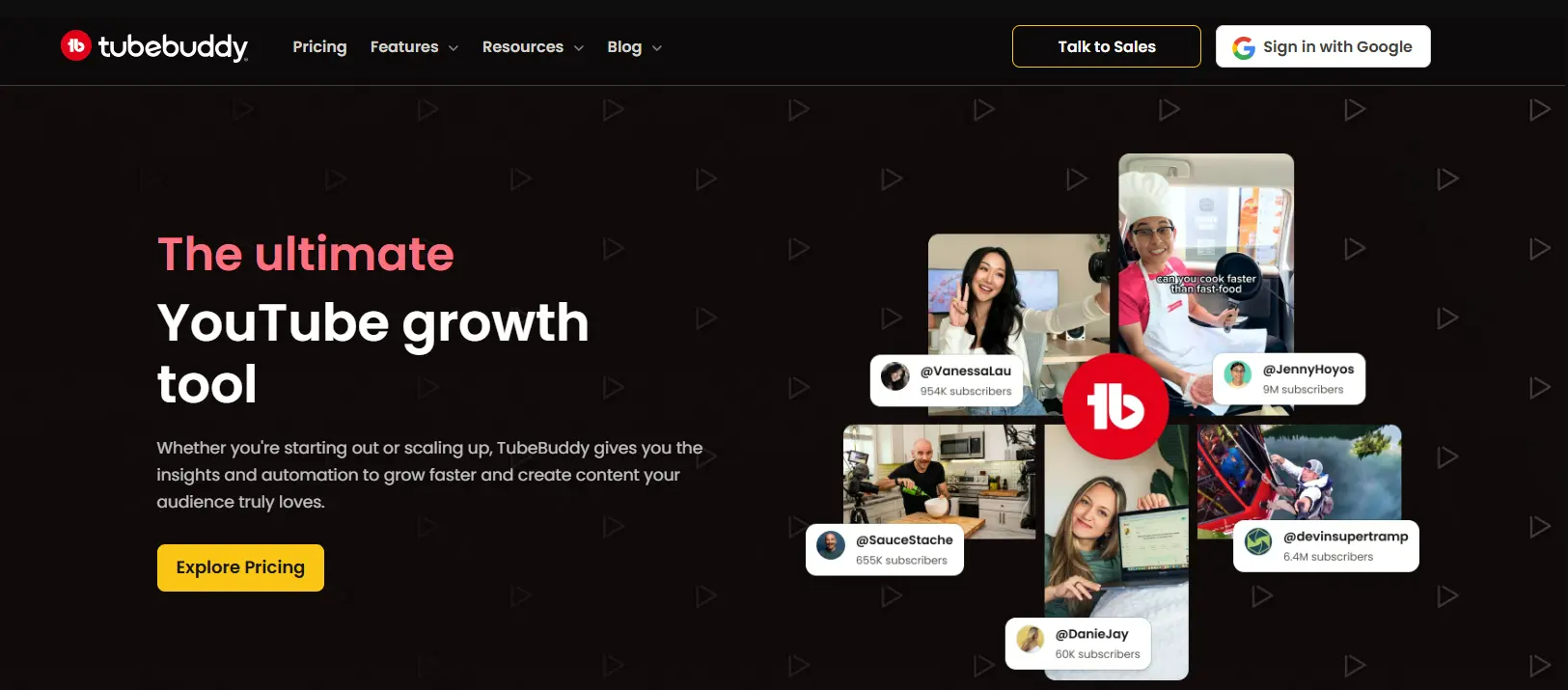
TubeBuddy offers a Keyword Explorer, a Video Topic Planner and a Niche Leaderboard on its paid plans. These suit channels that plan a calendar around search terms.
Best for: Experts who build a backlog of search-led topics.
Watch out for: Opportunity Finder sits on the top Legend plan. Keyword tools show search demand, not whether a viewer will ever hire you.
Price: See site. Plans are Pro and Legend, and the page shows regional prices.
5. YouTube Research tab: best free view of your audience
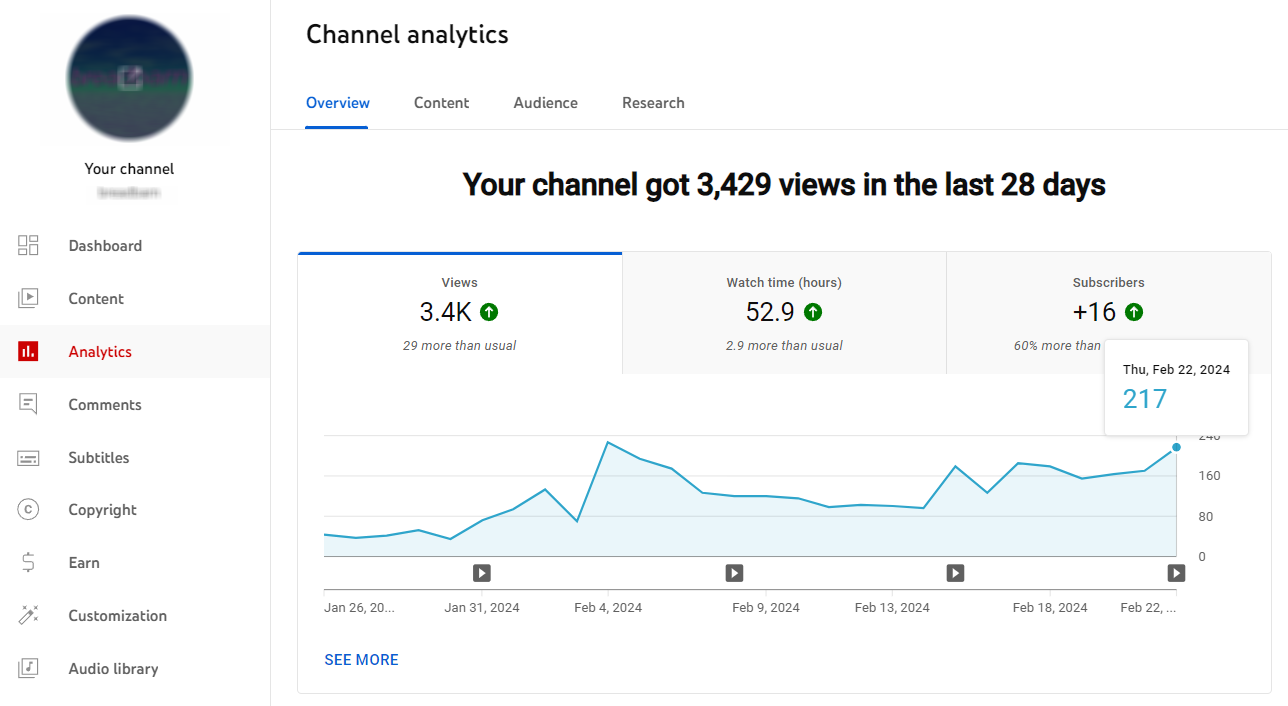
The Research tab sits in YouTube Studio analytics. It shows what your audience and viewers of similar channels searched for over the past 28 days. It also helps you spot content gaps, where viewers cannot find a good video for a search.
Best for: Every expert, as a first check.
Watch out for: It shows searches, not which videos won them. You get no view of competitors' results.
Price: Free.
6. Google Trends: best for timing
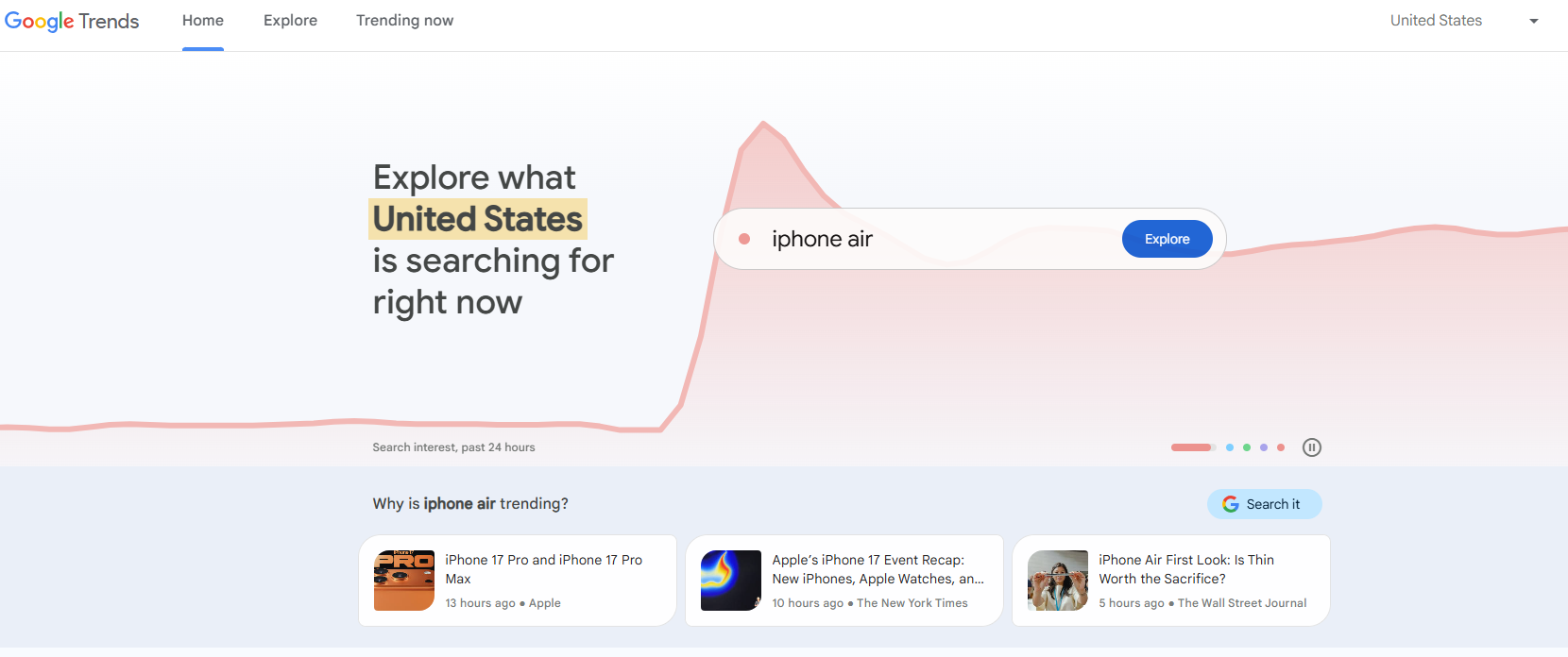
Set the search type to YouTube Search to compare interest in topics over time and by region. It helps with seasonal subjects, such as tax planning or January health goals.
Best for: Timing a topic you already like.
Watch out for: It scales interest from 0 to 100. Those are relative scores, not search volumes, and narrow professional terms may show little data.
Price: Free.
7. Keyword Tool for YouTube: best for expanding one topic
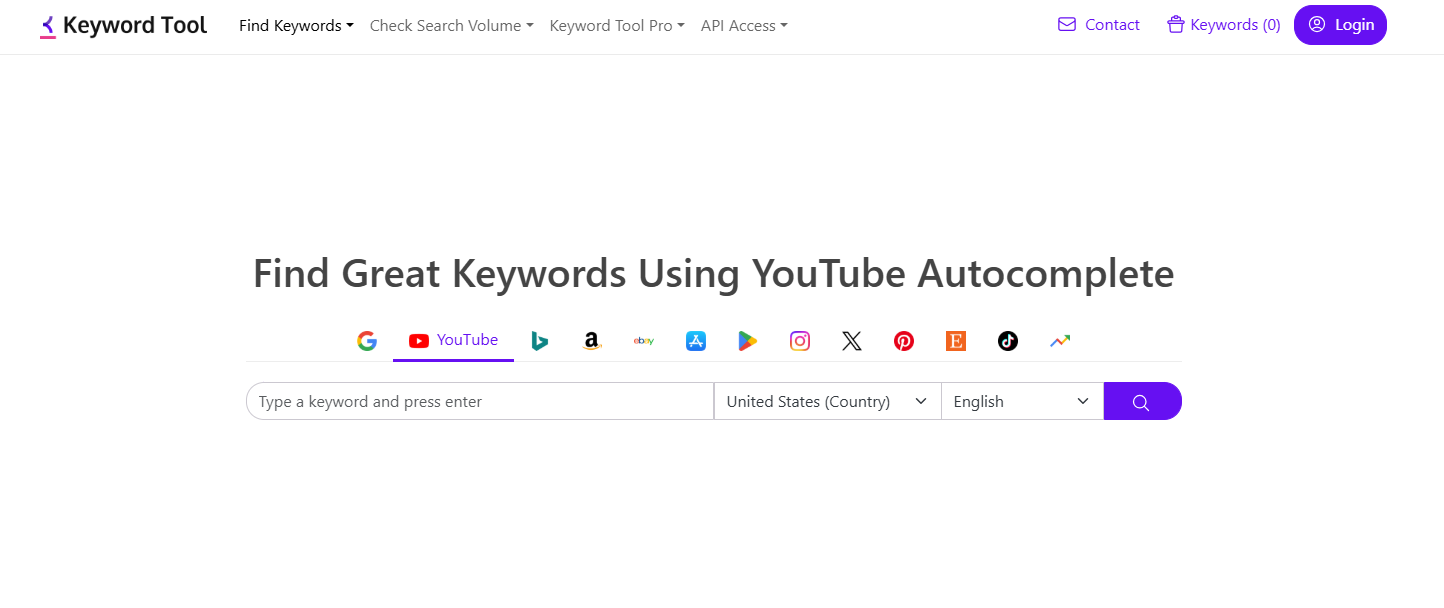
Keyword Tool pulls YouTube autocomplete suggestions from a seed term, with over 750 suggestions and no account. It turns one broad subject into the specific phrases people type.
Best for: Finding the exact words your future clients use.
Watch out for: Search volume needs a paid plan, and the entry price is high for a single channel.
Price: Free suggestions. Starter $88/mo, or $68/mo billed annually. 30-day money-back guarantee.
A short workflow: an executive coach's next video
You do not need all seven. One proof tool and two free checks will do. Say you coach new managers.
- Start from a client problem. Write down the question clients ask most, such as how to give hard feedback.
- Find proof. Search the topic in OutlierKit and save five videos that beat their channel's typical views, ideally from channels near your size.
- Find the pattern. Read the five titles side by side. A shared promise or format gives you your angle.
- Check demand. Look for the topic in the Research tab, then check the timing in Google Trends.
- Apply the client test. Ask whether the people who click could hire you. If not, pick the next topic.
Prices checked in November 2026; confirm on each tool's site before you buy.
Finding YouTube topics FAQ
What is an outlier video?
An outlier video gets far more views than its channel normally gets. It suggests the topic or packaging reached beyond the channel's usual audience.
What is the best free tool for expert-led channels?
Start with the Research tab, because it shows what your own audience searches for. Add Google Trends for timing.
Do expert channels need high search volume?
No. A small search term can still reach the right buyers. Check who the topic attracts before you worry about the size of the number.
Related reads
- How to get your first 1,000 views on YouTube
- Free YouTube rank tracker
- What 5,416 top videos show about hashtags
About the author. Aditi is the co-founder of OutlierKit, where she researches what makes YouTube videos break out for coaches, consultants and expert-led channels and publishes data-backed channel breakdowns and tool comparisons. Guest post; Crestline Social received no payment for it.